
A Guide to ADA-Compliant Image Workflows for Photo-Heavy Blogs
Make your photo-heavy posts more inclusive and clear by using an AI photo description generator to add fast, accurate image text that works for everyone.
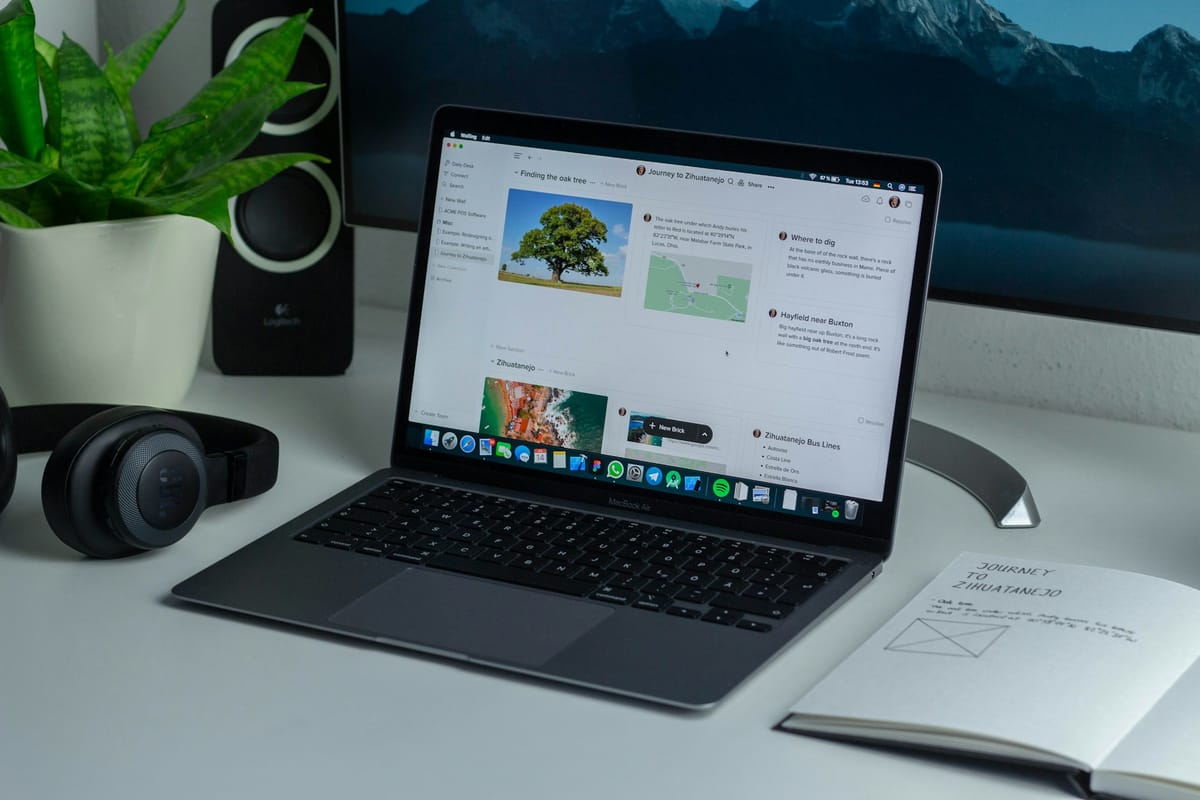
Adding lots of photos to a blog can make it more fun to read and easier to connect with. If we only focus on how things look and forget about how they work for everyone, we miss something important. People who rely on screen readers or text-based tools cannot enjoy those same images unless we describe them clearly. A little extra care makes a big difference.
Making photos readable for all does not have to slow us down. With tools like an AI photo description generator, we can add helpful image text faster without losing focus. When we plan well and use the right steps, our photo-heavy blogs can be both visually appealing and easy for everyone to enjoy.
Why ADA Compliance Matters for Bloggers
When we think of the Americans with Disabilities Act, we often picture ramps or wider doorways. The rules do not end at physical spaces. They apply to websites, blogs, and digital platforms as well. If our image-heavy content does not give people with disabilities equal access, it falls short.
For bloggers, visuals are a big part of the story. A photo can highlight a product, capture an event, or set the mood for a post. Without support such as alt text or image descriptions, those visuals become inaccessible to people using assistive technology.
Skipping these steps during quick uploads or on tight deadlines is common, but it is a habit worth changing. When we stay compliant, we are not just following rules. We are making sure our full audience can enjoy what we create. That includes people reading on different devices, using screen readers, or scanning content by voice.
It also affects how our content performs. Search engines rely on image text to understand and rank content. When we describe our photos clearly, we help more people find them, regardless of how they browse.
What ADA-Compliant Image Workflows Actually Look Like
Building an accessible photo workflow is not about perfection. It means including a few simple steps that become part of the routine. Once they are in place, they do not slow us down. They simply make our content more open to all.
Here’s what a solid workflow usually includes:
• Every image should include alt text that says what is in the photo. It does not need to be long, just clear and easy to understand.
• File names and captions should use plain language that describes what the viewer is looking at. Avoid using random character strings or vague words like "stuff" or "image."
• The image should fit the context of the page. For example, if a photo shows winter gear, place it near a subhead or text that covers cold weather season and product updates.
The key is to think about the person who cannot see the photo. What would they need to know to feel included in the post? When we answer that, we are making progress.
Common Mistakes in Photo-Heavy Blogs
Even well-written blogs with great photos can fall short when it comes to access. Fortunately, most common mistakes are easy to fix once we know what to look for.
Some things that often go wrong:
• Leaving image file names the same as when downloaded or shot by a camera, such as "IMG_4567.jpg."
• Uploading the image without any alt text at all, or writing empty tags like "photo" or "graphic."
• Using identical captions across different images, which confuses screen readers and makes the images feel repetitive.
These can be small oversights that happen when we are in a rush. But together, they create a barrier that keeps some readers out. By slowing down a little during uploads, we keep things accurate and consistent.
How AI Can Speed Up Accessible Content Creation
There is not always time to manually write a unique description for every single image, especially during fast content cycles or seasonal launches. That is where an AI photo description generator is useful.
These tools scan the image and suggest a short phrase or sentence that fits what is being shown. For busy teams, this helps reduce guesswork and keeps the upload process moving. Instead of writing every caption from scratch, a helpful starting point is provided.
This is especially useful in months like late February, when early spring product releases and content refreshes start appearing at once. With fresh photo uploads and tighter timelines, AI tools help add accessible text faster, so no steps are missed during busy periods.
Using these suggestions does not mean skipping review. Checking for tone and context is still important. The time saved often means more images get proper descriptions, which leads to better access and greater visibility.
Making Accessibility a Standard in Your Blog Process
One lesson learned is that adding accessibility to a blog should not be treated as an extra step. It needs to be part of the process from the beginning.
To keep image workflows ADA-compliant, a few habits can be built into the daily routine:
• Add alt text fields to the top of image checklists, so they are handled immediately.
• Create templates or reminders for captions and file names, so descriptions stay consistent from post to post.
• Review photo uploads as part of the publish checklist before a blog goes live.
When accessibility is treated like any other content rule, it stays top of mind. It becomes part of how quality is measured, not something added after the fact.
When these habits are established, content becomes easier to manage in the long run. Less time is spent updating old posts or correcting missed descriptions.
Clear Images, Fair Access
Much care is put into how blogs appear, from layout and color to the way each photo supports the story. If that care does not extend to the text behind those photos, some people are left out.
ADA-compliant workflows add needed support without slowing things down. With simple descriptions, thoughtful placement, and useful tools, images can be shared in a way that more people can access.
Readers deserve content that is both interesting and available, no matter how they browse. Each time accessible image text is added, someone new can join the experience.
Getting every blog image right doesn’t have to be slow or complicated. With the support of an AI photo description generator, you're able to write better alt text that keeps your content accessible without losing momentum. Whether you're updating old posts or building new ones, thoughtful image text makes a real difference. At MetadataAI, we make it easier to create content that everyone can enjoy.